Best 3D Printers Under $1,000 (2026)
The Bambu Lab P1S is the best 3D printer under $1,000 for most people: an enclosed 256 mm printer for ABS and ASA, with AMS multicolor combos still well under the cap. Need a heated chamber? Pick the Creality K2 Plus.
Updated October 28, 2026
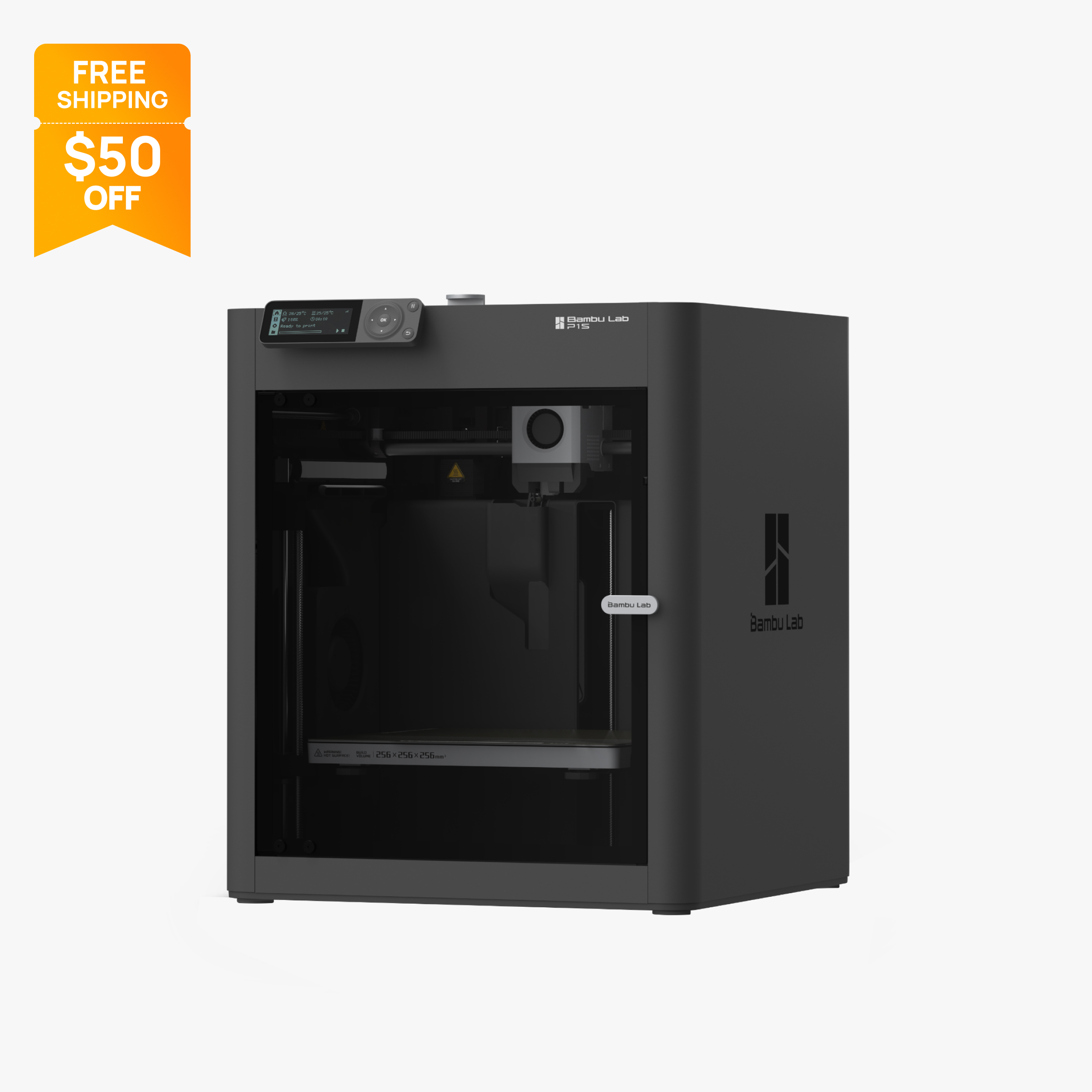
Enclosed 256 mm CoreXY printer with carbon filter, 20,000 mm/s² acceleration and AMS support.
$349
350 mm enclosed CoreXY printer with a 60 C heated chamber, 350 C nozzle and optional CFS for up to 16 colors.
$999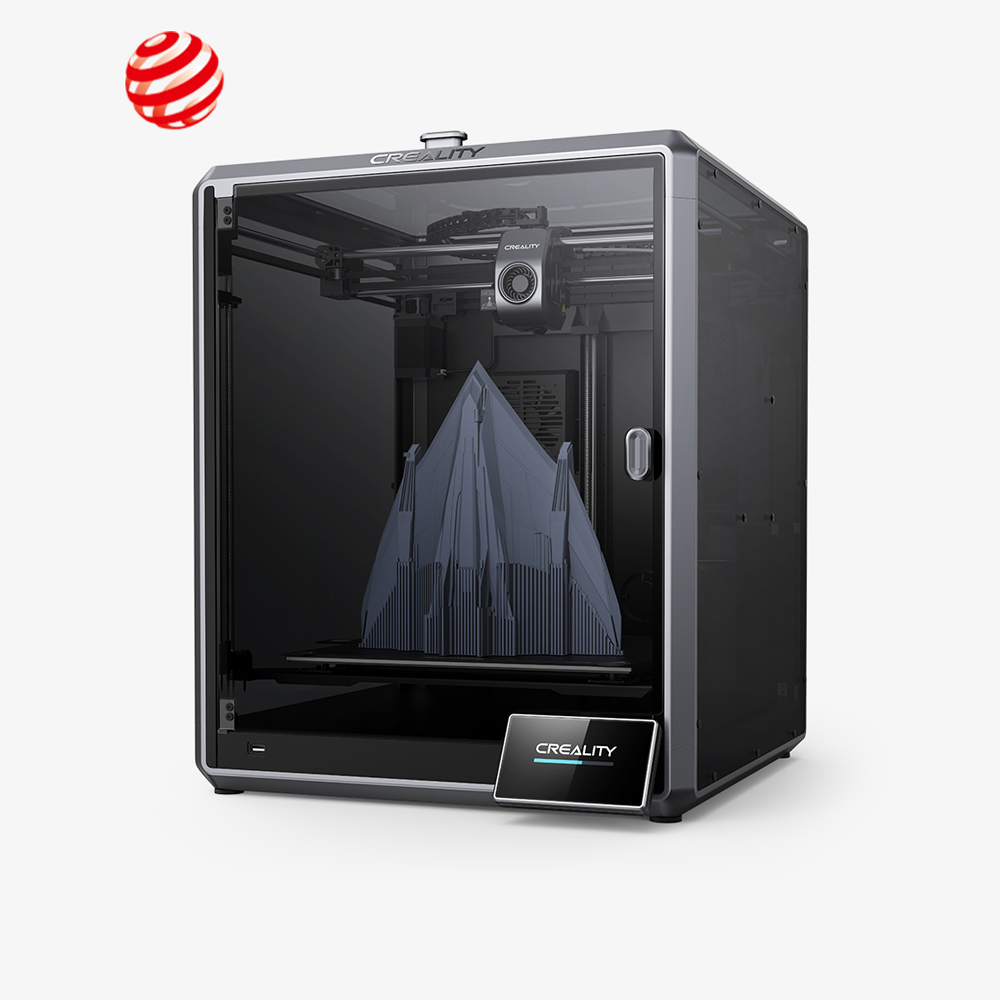
Enclosed 300 mm CoreXY printer rated at 600 mm/s, with an AI camera, LiDAR first-layer scanning and Ethernet.
$549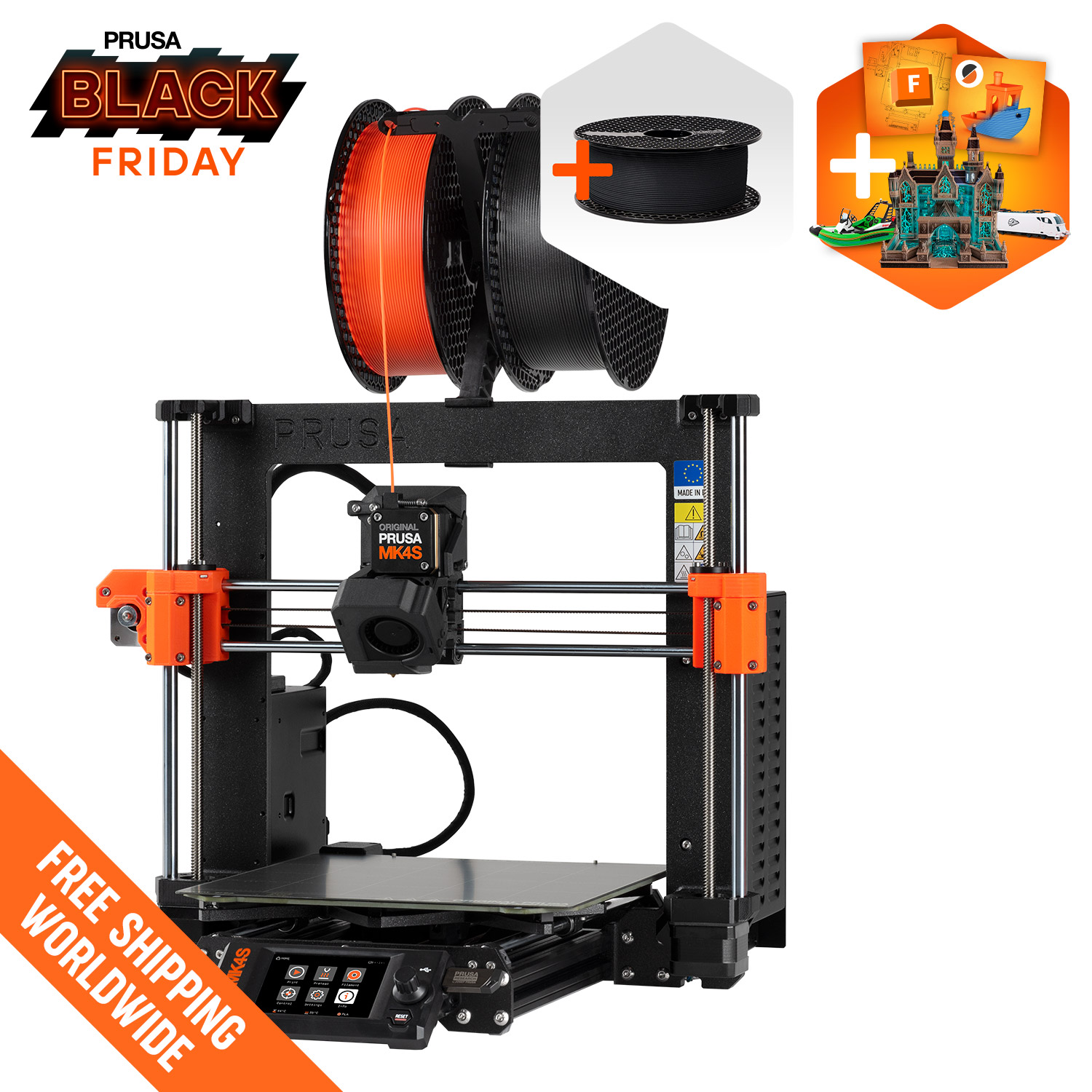
Open-frame Prusa bedslinger with a 250 x 210 x 220 mm build, load-cell sensing and optional MMU3
$925
Open-source CoreXY with a 350 x 350 x 345 mm build, 700 mm/s top speed and quad gantry leveling
$529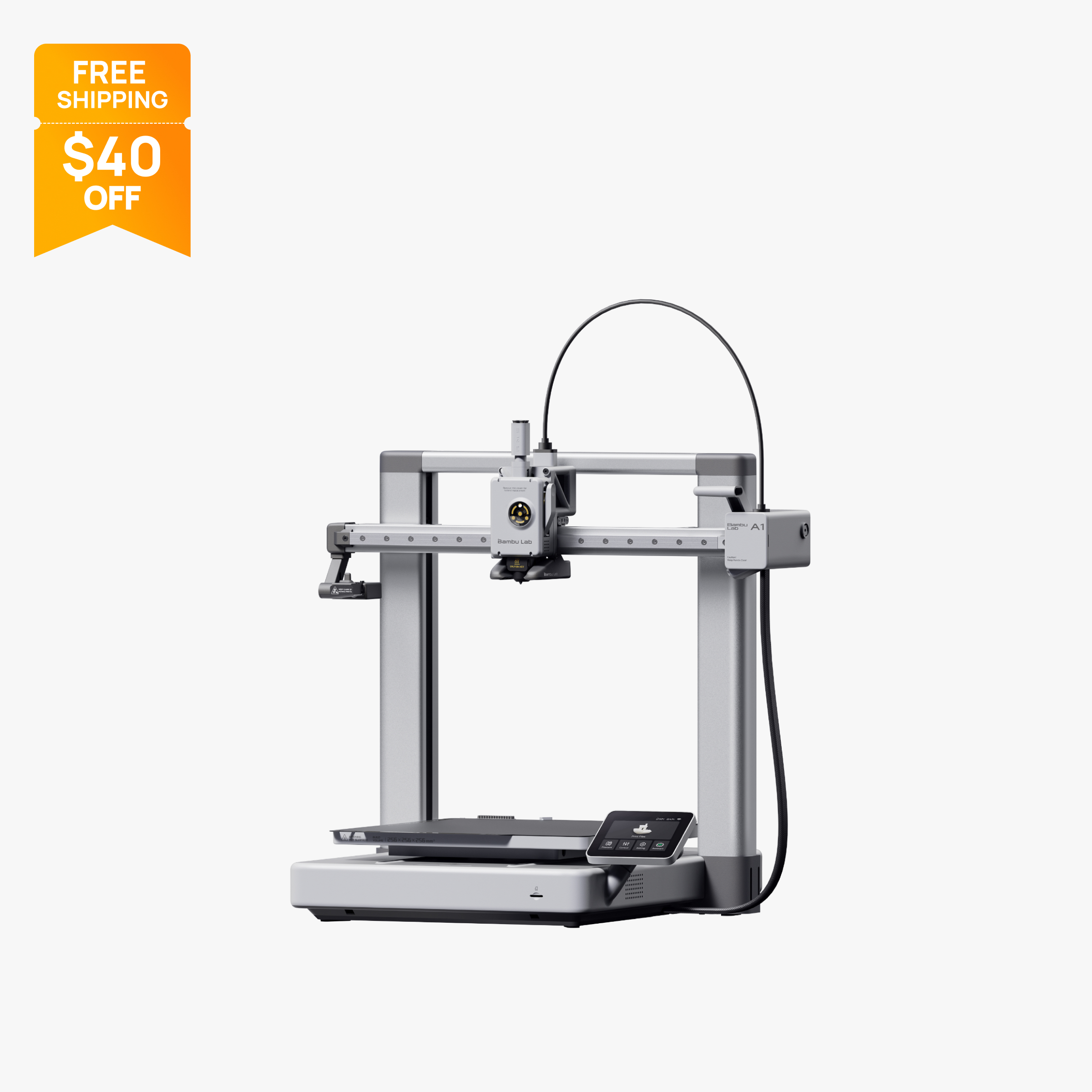
The A1 bundled with AMS Lite: 256 mm build volume and up to 4-color printing out of the box.
$359
10 in 12K resin printer with a 218.88 x 122.88 x 220 mm build volume, tilt release and 150 mm/h speed.
$593.99
Comparison table
| Spec | Bambu Lab P1S | Creality K2 Plus | Creality K1 Max | Prusa MK4S | Sovol SV08 | Bambu Lab A1 Combo | Elegoo Saturn 4 Ultra |
|---|---|---|---|---|---|---|---|
| Type | FDM | FDM | FDM | FDM | FDM | FDM | resin |
| Price | $349 | $999 | $549 | $925 | $529 | $359 | $593.99 |
| Build volume | 256×256×256 mm | 350×350×350 mm | 300×300×300 mm | 250×210×220 mm | 350×350×345 mm | 256×256×256 mm | 219×123×220 mm |
| Max speed | 500 mm/s | 600 mm/s | 600 mm/s | 200 mm/s | 700 mm/s | 500 mm/s | Not listed |
| Multicolor | Yes (AMS or AMS 2 Pro (optional, up to 16 colors with 4 units)) | Yes (CFS (optional; Combo includes 1 CFS for 4 colors, up to 4 CFS for 16 colors)) | No | Yes (MMU3 (optional, up to 5 colors/materials)) | No | Yes (AMS Lite (included, one unit, up to 4 colors)) | No |
| Enclosed | Yes | Yes | Yes | No | No | No | Yes |
| Auto bed leveling | Yes | Yes | Yes | Yes | Yes | Yes | Yes |
| Connectivity | Wi-Fi, Bluetooth, Bambu-Bus, microSD | Wi-Fi (2.4 and 5 GHz), Ethernet, USB drive, Creality Cloud | Wi-Fi, Ethernet, USB drive, Creality Cloud | Wi-Fi (ESP module included), Ethernet, USB drive, NFC, Prusa Connect | Wi-Fi 2.4 GHz, Ethernet | Wi-Fi, Bambu-Bus, microSD | Wi-Fi |
| Noise | 48 dB | Not listed | Not listed | Not listed | Not listed | 49 dB | 45 dB |
| Release year | 2023 | 2024 | 2023 | 2024 | 2024 | 2023 | 2024 |
How we chose
Every pick on this page had a verified price under $1,000 on the maker's official US store when we checked on October 28, 2026. Below about $400, current printers already auto-level, connect over Wi-Fi and print PLA well, so we ranked these by what the extra money buys: an enclosure, a multicolor system, a larger build volume, a heated chamber, or finer resin detail. Each pick had to lead in at least one of those areas at its price. Picks are based on manufacturer specifications and official store prices, not lab tests, and every spec links back to a source listed at the bottom of the page. Prices are at the time of writing (October 2026); sale prices change often, so check the store before you buy. You can read more about how we work on our About Us page.
The picks
1. Bambu Lab P1S: best overall under $1,000
The Bambu Lab P1S is an enclosed CoreXY printer with a 256 x 256 x 256 mm build volume, a 300 °C nozzle, a 100 °C bed and an activated carbon filter. It is $349 on Bambu's US store at the time of writing (October 2026), against a regular price of $399, which makes it the least expensive way on this list to get an enclosure. That enclosure is what turns ABS and ASA from difficult into practical: Bambu lists both as ideal materials for the P1S.
The P1S also accepts Bambu's AMS units, up to four of them for as many as 16 colors or materials in one print. The P1S AMS Combo is $479 and the P1S AMS 2 Pro Combo, which adds active filament drying, is $509, both far below the $1,000 cap. That leaves room in the budget for filament and spare parts.
Who it suits: anyone who wants one printer for PLA, PETG, ABS and ASA, with multicolor available now or later. The main tradeoff is that there is no active chamber heating, so Bambu rates PA and PC as capable rather than ideal, and carbon or glass fiber filaments need an upgraded nozzle and extruder first. The 2.7-inch screen is small and button-driven. Bambu now also sells the newer P2S, but the P1S remains in stock. For the open-frame alternative, see Bambu Lab A1 vs P1S.
2. Creality K2 Plus: best heated chamber and big build under $1,000
The Creality K2 Plus is $999 without its CFS multicolor unit on Creality's US store at the time of writing (October 2026), down from a regular $1,299. For that you get a 350 x 350 x 350 mm enclosed build volume, active chamber heating to 60 °C, a 350 °C hardened steel nozzle and a 120 °C bed. Creality says ABS, ASA and PPS need a 60 °C chamber, and lists engineering filaments such as PA-CF and PPA-CF. Dual-band Wi-Fi, Ethernet and a 1080p chamber camera are built in.
Who it suits: makers printing large functional parts or engineering filaments who would otherwise look at printers well above $1,000. It is the only pick here with both a heated chamber and a 350 mm build volume.
The tradeoffs are real. The K2 Plus Combo with one CFS (four colors) is $1,199, which is over this page's cap, so adding multicolor pushes you past $1,000. Creality lists the printer at 35 kg, so it needs a sturdy table. Tom's Hardware measured more color-change purge waste than a Bambu Lab P1P on the same model and found TPU jammed in the CFS tubing. See how it compares with Bambu's dual-nozzle flagship in Bambu Lab H2D vs Creality K2 Plus.
3. Creality K1 Max: best large enclosed printer for the money
The Creality K1 Max puts a 300 x 300 x 300 mm build volume inside an enclosed CoreXY frame for $549 on Creality's US store at the time of writing (October 2026), down from a regular $899. Creality rates it at up to 600 mm/s with 20,000 mm/s² acceleration, though it notes that the 600 mm/s figure came from a special Surface Mode, so everyday speeds are lower. It ships with a 300 °C hardened steel nozzle for carbon-fiber-filled filaments, an AI camera for spaghetti detection and time-lapses, AI LiDAR first-layer scanning, and both Wi-Fi and Ethernet.
Who it suits: buyers who want helmets, large enclosures or big functional parts printed in one piece, with heat and fumes kept inside a cabinet. Compared with the P1S, the extra $200 buys 44 mm more in each axis and a hardened nozzle out of the box.
The tradeoffs: there is no active chamber heater and no multicolor system. Creality's newer K2 Pro adds 60 °C chamber heating at a similar price, but Creality does not call it a K1 Max replacement. The large frame also needs much more desk space than a 220 mm class printer.
4. Prusa MK4S: best for long-term repairability
The Prusa MK4S is $925 assembled on Prusa's US store at the time of writing (October 2026). A comparison table on the same site lists $999 assembled, so the lower figure appears to be promotional. The kit is $657.40. It is an open-frame bedslinger with a 250 x 210 x 220 mm build volume, a 290 °C hotend, a 120 °C bed and a load-cell sensor that probes the bed automatically. Wi-Fi, Ethernet, USB and NFC are all included, along with Prusa Connect for remote control.
What the money buys here is different from the other picks. You are paying for open firmware, PrusaSlicer, printable spare parts and an upgrade path: Prusa sells the MMU3 for up to five colors or materials and a conversion kit that turns the MK4S into a CORE One.
Who it suits: owners who plan to keep, maintain and upgrade one printer for years. The tradeoffs: there is no enclosure in the base package, so ABS and ASA are hard to print well; Prusa publishes no numeric top speed; and multicolor needs the separately sold MMU3. For an enclosed Prusa, read Prusa CORE One vs Bambu Lab P1S.
5. Sovol SV08: best build volume per dollar
The Sovol SV08 offers a 350 x 350 x 345 mm build volume for $529 on Sovol's US store at the time of writing (October 2026), down from a regular $599. That is nearly the K2 Plus footprint for about half the price. Sovol publishes a 700 mm/s top speed and 40,000 mm/s² acceleration, uses quad gantry leveling with four independent Z motors plus inductive and pressure sensors, and includes Wi-Fi, Ethernet and a camera. The hardware and software are open source, and Sovol says it ships about 90% pre-assembled with roughly an hour of setup.
Who it suits: tinkerers and prop makers who need big PLA and PETG parts and are comfortable with an open-source CoreXY machine. If you want an even larger bed for less, the open-frame Elegoo Neptune 4 Max offers 420 x 420 x 480 mm for $394 at the time of writing, as a bed slinger.
The tradeoffs: no enclosure in the base package, so ABS and ASA are difficult, and Sovol's bundle listings say the optional enclosure reduces build height to 330 mm. There is no official multicolor system, the nozzle tops out at 300 °C, and Wi-Fi supports only 2.4 GHz WPA2 networks.
6. Bambu Lab A1 Combo: best multicolor value
If the extra money you want to spend is on color rather than an enclosure, the Bambu Lab A1 Combo is $359 at the time of writing (October 2026), down from a regular $399, and includes the four-color AMS Lite. The printer has a 256 x 256 x 256 mm build volume, a 300 °C nozzle and, according to Bambu, automatic Z-offset, bed leveling, vibration and nozzle pressure calibration before each print. Bambu lists noise as low as 49 dB.
Who it suits: home users who print mostly PLA and PETG and want multicolor figures, signs and toys. It leaves most of a $1,000 budget for filament, a spare hardened nozzle or even a second printer.
The tradeoffs: only one AMS Lite is supported, so it stops at four filaments per print, and every color change purges filament, which adds time and waste. The open frame means Bambu lists ABS, ASA, PC and PA as not recommended. Our best multicolor 3D printers page compares it with other four-color systems.
7. Elegoo Saturn 4 Ultra: best resin printer under $1,000
For detail rather than size, the Elegoo Saturn 4 Ultra is $593.99 on Elegoo's US store at the time of writing (October 2026). It is a resin (MSLA) printer with a 10-inch 12K mono LCD at 11520 x 5120 pixels, giving 19 x 24 µm XY detail across a 218.88 x 122.88 x 220 mm build volume. Elegoo rates it at up to 150 mm/h with tilt release, and lists automatic leveling and a built-in AI camera for monitoring and time-lapses.
Who it suits: miniature painters, tabletop gamers and anyone whose parts need fine surface detail that filament printers cannot match. Elegoo also sells a Saturn 4 Ultra 16K at $649.99 on the same store, only about $56 more.
The tradeoffs are the ones every resin printer shares: you need gloves, ventilation, an alcohol wash and UV curing, which add cost and space beyond the printer. Its pixels are not square, so detail is slightly coarser along one axis, and the 10-inch vat uses more resin per fill than compact models. If you are unsure which technology fits, read FDM vs resin 3D printers.
What to look for in a 3D printer under $1,000
Spending three times as much as a budget printer rarely makes PLA prints look better. It buys specific capabilities, so decide which one you need before paying for it.
- An enclosure. Prusa's ABS guide says ABS should be printed inside an enclosure with a higher ambient temperature, because the material warps and shrinks roughly 1 to 2% as it cools. An enclosure also contains fumes so a filter can work on them. The P1S at $349 is the cheapest enclosed pick here; the K1 Max adds a 300 mm build.
- A heated chamber. A passive enclosure only traps heat that leaks from the bed and hotend. An active heater raises the air temperature on purpose: 60 °C on the K2 Plus. Without one, large ABS or nylon parts can still warp in a cool room. Creality says ABS, ASA and PPS need a 60 °C chamber, which is why the K2 Plus sits near the top of this list.
- A multicolor system. Four-color printing starts at $359 with the A1 Combo. Look at expandability (one AMS Lite on the A1, up to four AMS units on the P1S) and remember that single-nozzle printers purge filament on every swap.
- Build volume. 256 mm per side is now common under $400. Going to 300 mm (K1 Max) or 350 mm (SV08, K2 Plus) means fewer split models, but also more weight, more desk space and longer heat-up times. Bed slingers such as the Neptune 4 Max also need extra clearance for the moving bed.
- A hardened nozzle. Carbon-fiber and glass-fiber filaments wear brass and stainless steel. The K1 Max and K2 Plus ship with hardened steel nozzles; the P1S and A1 need an upgrade first.
- Networking. For a workshop, wired Ethernet (K1 Max, K2 Plus, SV08, MK4S) is more predictable than Wi-Fi alone.
- Resin instead of filament. If you print small, detailed parts, a resin printer like the Saturn 4 Ultra gives far finer detail than any FDM pick, at the cost of messier post-processing.
A good rule: buy the cheapest printer that has every capability you will actually use in the next year, and spend the rest on materials. If none of the upgrades above matter to you, our best 3D printers under $500 page will save you money.
Budget for the extras
The sticker price is not the whole cost. Multicolor printing uses extra filament on purge, so plan on buying more spools than the models alone need. Resin printers need wash and cure equipment, gloves and isopropyl alcohol, and Elegoo and Anycubic both sell those separately or in bundles. The SV08's enclosure and the MK4S's MMU3 are extra purchases. Carbon and HEPA filters on enclosed printers are consumables that need periodic replacement.
What changed this update
- The Bambu Lab X1 Carbon is no longer sold on Bambu's US store, so it has been removed. The P1S, and the newer P2S, cover the enclosed Bambu slot under $1,000.
- The Elegoo Centauri Carbon is no longer sold new on Elegoo's US store; its successor is the Centauri Carbon 2.
- QIDI discontinued the Plus4 and Q1 Pro; their successors are the QIDI Plus5 and QIDI Q2.
- The Anycubic Kobra S1 Combo is sold out on Anycubic's store; Anycubic now sells the Kobra S1 ACE 2 Pro Combo.
- The Bambu Lab H2D remains above this page's cap at $1,399 for the base model.
Frequently asked questions
What is the best 3D printer under $1,000?
For most buyers it is the Bambu Lab P1S, at $349 on Bambu's US store at the time of writing (October 2026). It is enclosed for ABS and ASA, has a 256 mm build volume, and its AMS Combo versions stay far below $1,000. If you need a heated chamber and a 350 mm build, the Creality K2 Plus is $999 without its multicolor unit.
Is a $1,000 3D printer worth it over a $300 one?
Only if you need what the extra money buys. Higher-priced printers add enclosures, heated chambers, larger build volumes, hardened nozzles or multicolor systems. For PLA and PETG at normal sizes, a printer under $400 already auto-levels and connects over Wi-Fi.
Can a 3D printer under $1,000 print ABS?
Yes, if it is enclosed. Prusa recommends printing ABS inside an enclosure with a higher ambient temperature because it warps and shrinks as it cools. The Bambu Lab P1S, Creality K1 Max and Creality K2 Plus are all enclosed and under $1,000 at the time of writing.
What is the largest 3D printer under $1,000?
Among the printers we cover, the Elegoo Neptune 4 Max has the largest build volume at 420 x 420 x 480 mm, for $394 at the time of writing (October 2026). The Sovol SV08 (350 x 350 x 345 mm, $529) and Creality K2 Plus (350 x 350 x 350 mm, $999) are CoreXY alternatives, and the K2 Plus is enclosed with a heated chamber.
Should I buy a resin or filament printer for under $1,000?
Choose resin for small, highly detailed parts such as miniatures, and filament for larger or functional parts. A resin printer like the Elegoo Saturn 4 Ultra resolves 19 x 24 µm XY detail but needs gloves, ventilation, washing and UV curing. Filament printers are cleaner to run and print much larger parts.
Which printers under $1,000 can print in multiple colors?
The Bambu Lab A1 Combo ($359) includes a four-color AMS Lite, and the Bambu Lab P1S is available as an AMS Combo ($479) or AMS 2 Pro Combo ($509), at the time of writing (October 2026). The P1S can expand to 16 colors with four AMS units. The Creality K2 Plus Combo with CFS costs $1,199, which is over this budget.
Sources
- Bambu Lab P1S on the official US store (price, parameters, FAQ)
- Creality US store, K2 Plus (official)
- Creality US store, K2 Plus Combo (official)
- Creality K2 Plus CFS Combo support and specifications (official)
- Tom's Hardware: Creality K2 Plus review
- Creality US store, K1 Max 2025 (official)
- Original Prusa MK4S assembled (official store)
- Sovol SV08 product page (official store)
- Elegoo Neptune 4 Max, US store product page (official)
- Bambu Lab A1 / A1 Combo on the official US store
- Bambu Lab A1 tech specs (official)
- Elegoo Saturn 4 Ultra 12K, US store product page (official)
- Prusa Knowledge Base: ABS material guide
- Bambu Lab Wiki: Reduce wasting during filament change