Best 3D Printers for Beginners (2026)
The Bambu Lab A1 is the best 3D printer for beginners: it calibrates itself before every print, works over Wi-Fi and has a 256 mm build volume, at $259 at the time of writing.
Updated October 28, 2026
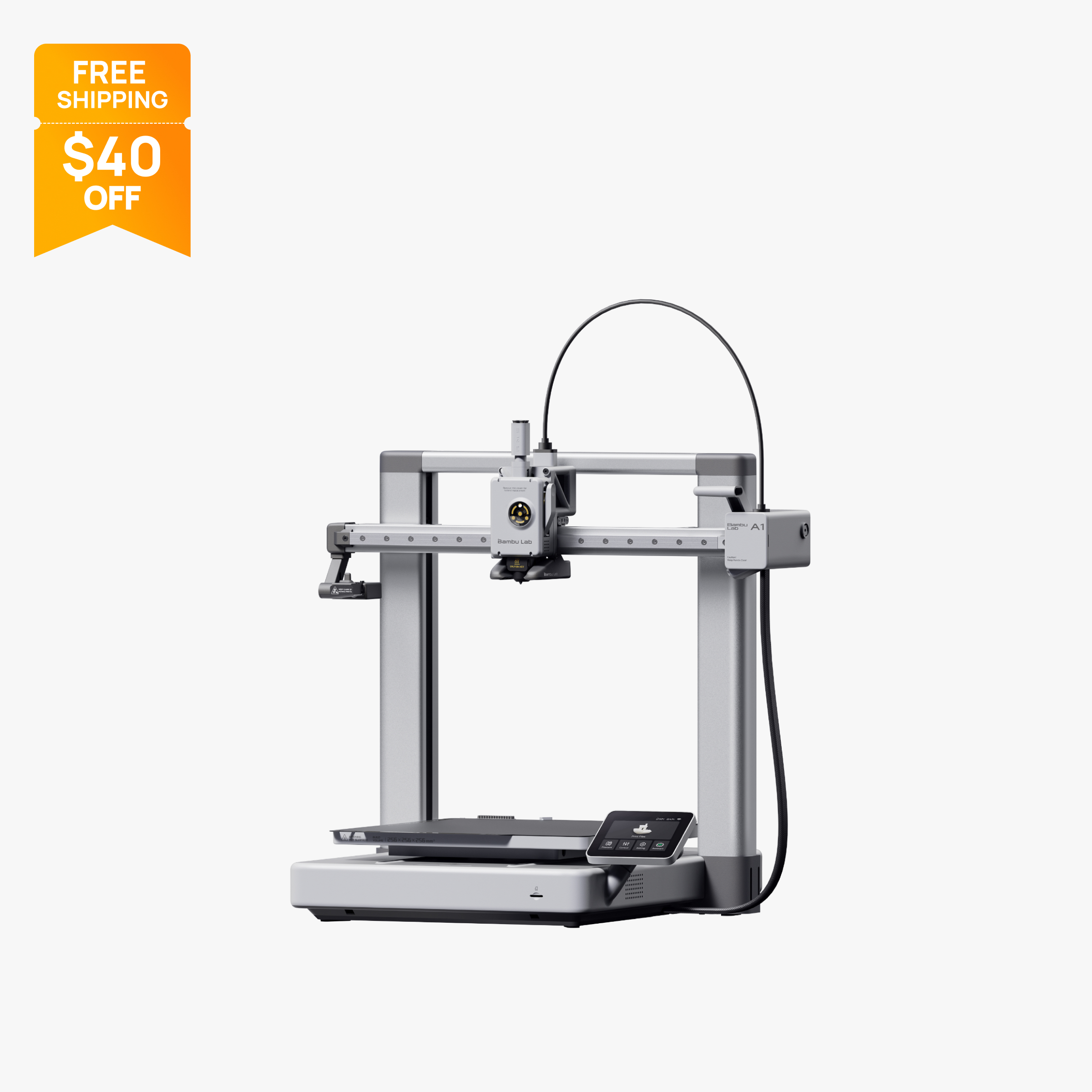
Open-frame 256 mm bed slinger with full auto calibration and optional 4-color AMS Lite.
$259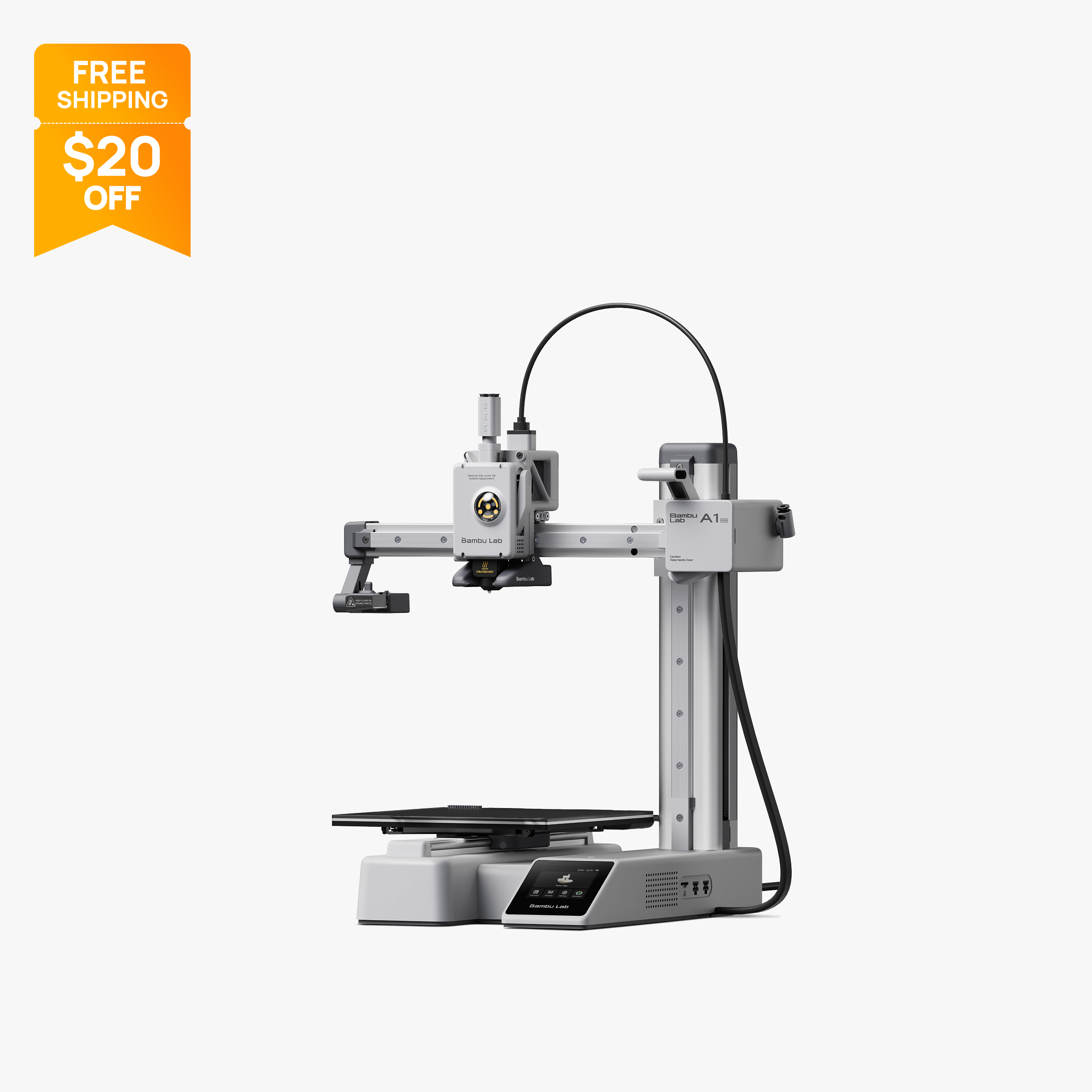
Compact 180 mm open-frame printer with 500 mm/s motion, 300 °C hot end and optional AMS Lite.
$199The A1 bundled with AMS Lite: 256 mm build volume and up to 4-color printing out of the box.
$359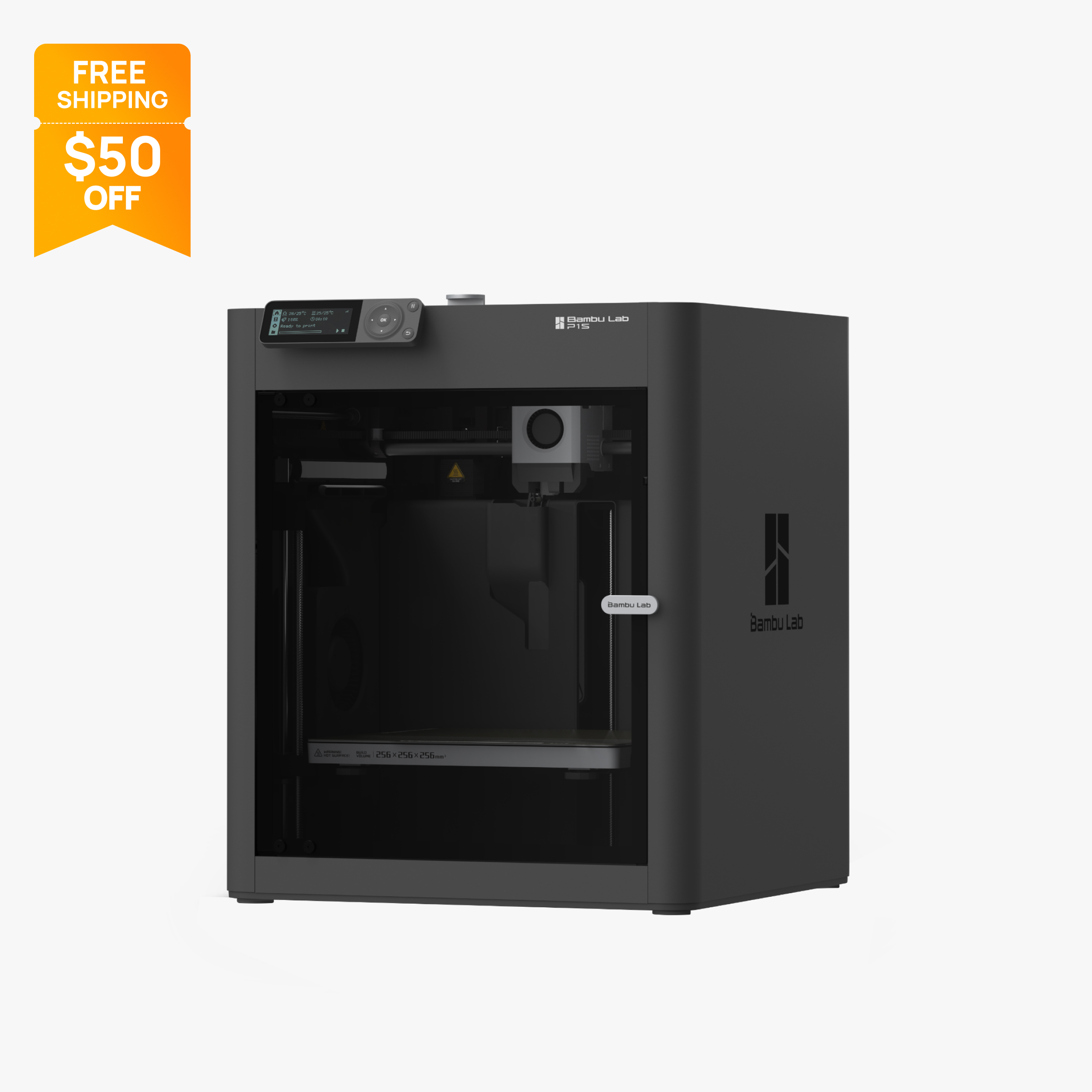
Enclosed 256 mm CoreXY printer with carbon filter, 20,000 mm/s² acceleration and AMS support.
$349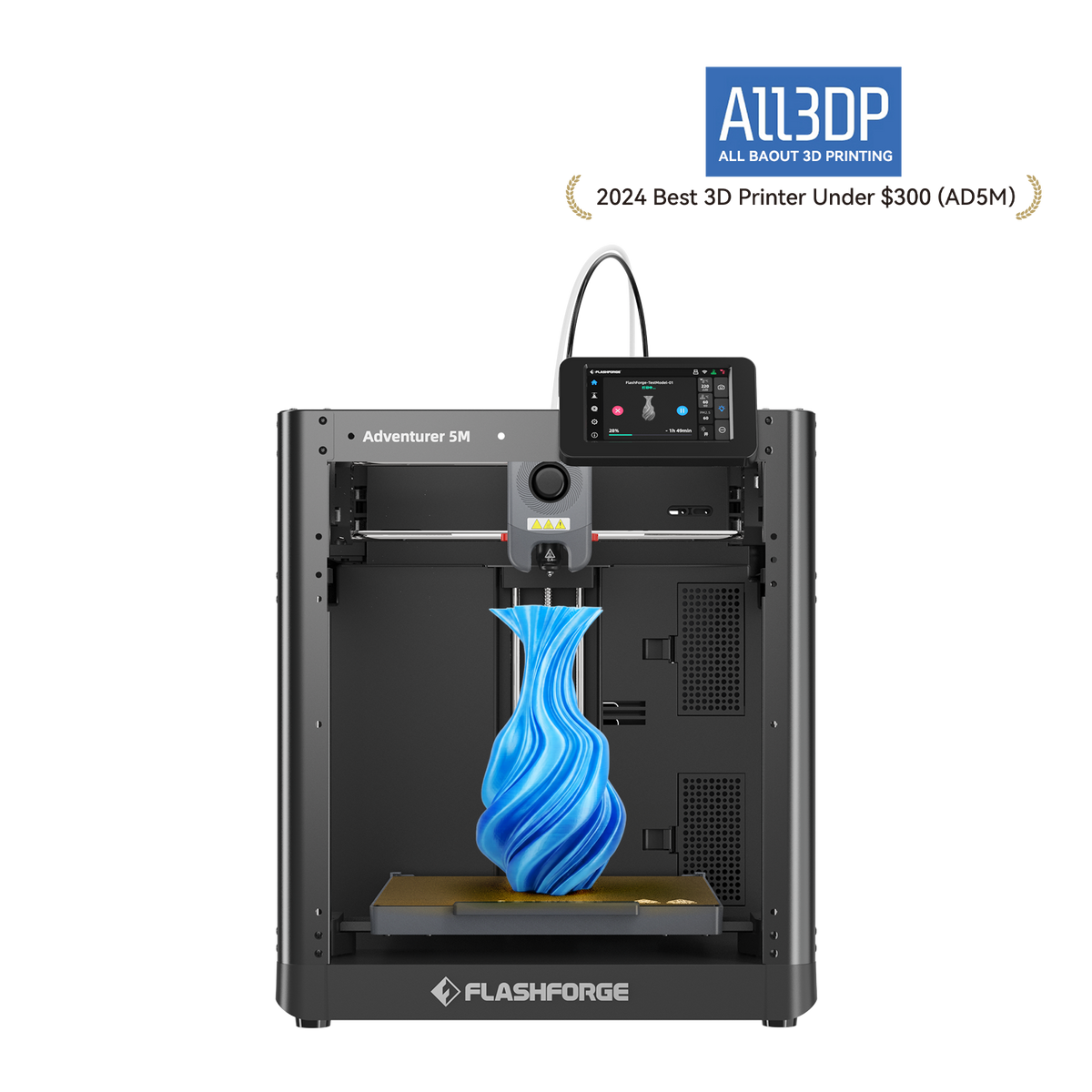
Budget open-frame 220 mm cube printer with auto-leveling, quick-swap nozzles and Wi-Fi
$249
Entry-level Ender with CR Touch auto leveling, 250 mm/s top speed and a 220 x 220 x 250 mm bed for $179.
$179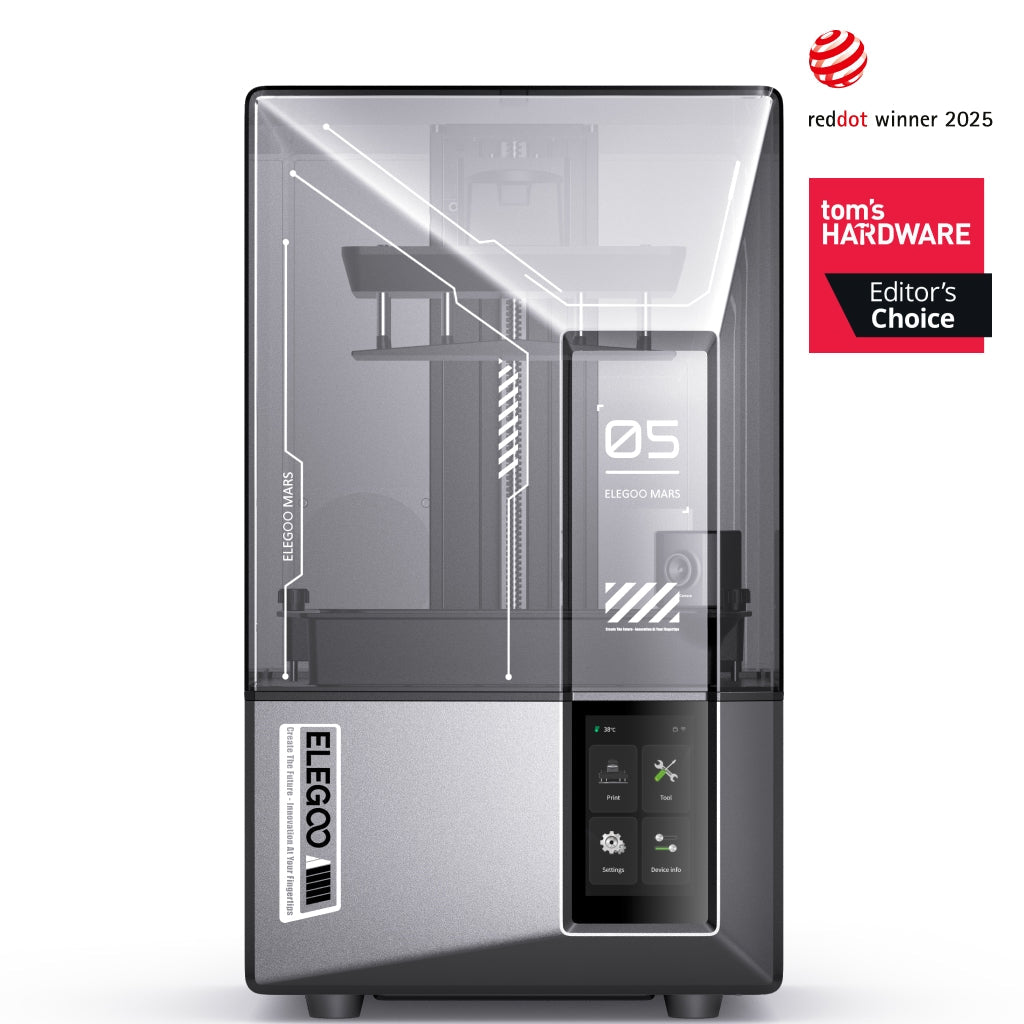
Compact resin printer with a 7 in 9K mono LCD, 18 µm XY detail, 150 mm/h speed, AI camera and auto leveling.
$284
Comparison table
| Spec | Bambu Lab A1 | Bambu Lab A1 Mini | Bambu Lab A1 Combo | Bambu Lab P1S | Flashforge Adventurer 5M | Creality Ender 3 V3 SE | Elegoo Mars 5 Ultra |
|---|---|---|---|---|---|---|---|
| Type | FDM | FDM | FDM | FDM | FDM | FDM | resin |
| Price | $259 | $199 | $359 | $349 | $249 | $179 | $284 |
| Build volume | 256×256×256 mm | 180×180×180 mm | 256×256×256 mm | 256×256×256 mm | 220×220×220 mm | 220×220×250 mm | 153×77×165 mm |
| Max speed | 500 mm/s | 500 mm/s | 500 mm/s | 500 mm/s | 600 mm/s | 250 mm/s | Not listed |
| Multicolor | Yes (AMS Lite (optional, one unit, up to 4 colors)) | Yes (AMS Lite (optional, up to 4 colors)) | Yes (AMS Lite (included, one unit, up to 4 colors)) | Yes (AMS or AMS 2 Pro (optional, up to 16 colors with 4 units)) | No | No | No |
| Enclosed | No | No | No | Yes | No | No | Yes |
| Auto bed leveling | Yes | Yes | Yes | Yes | Yes | Yes | Yes |
| Connectivity | Wi-Fi, Bambu-Bus, microSD | Wi-Fi, Bambu-Bus, microSD | Wi-Fi, Bambu-Bus, microSD | Wi-Fi, Bluetooth, Bambu-Bus, microSD | Wi-Fi, Ethernet, USB | SD card | Wi-Fi, USB |
| Noise | 49 dB | Not listed | 49 dB | 48 dB | Not listed | Not listed | Not listed |
| Release year | 2023 | 2023 | 2023 | 2023 | 2023 | 2023 | 2024 |
How we chose
A first printer should remove setup chores, not add them. We ranked each printer on things you can check in the maker's published specs and official store: automatic bed leveling and calibration, an app or Wi-Fi workflow so you are not carrying SD cards around, a build volume that fits everyday projects, which materials the maker says it handles, and the price on the official US store at the time of writing (October 2026). Multicolor support and an enclosure count as bonuses, not requirements.
These picks are based on manufacturer specs and official prices, not lab tests, and we only included printers that are currently sold new. You can read more about how we work on our About Us page. If you are still deciding between filament and resin, start with our FDM vs resin guide.
The picks
1. Bambu Lab A1: best 3D printer for beginners overall
The A1 is the printer we would point most first-time buyers to. Bambu says it runs Z-offset, bed leveling, vibration compensation and nozzle pressure calibration automatically before every print, which removes the manual first-layer tuning that trips up most beginners. You start jobs from Bambu Studio or Bambu's phone app over Wi-Fi, and a microSD slot is there if you prefer.
The 256 x 256 x 256 mm build volume is large for an entry-level machine, and the same size as Bambu's enclosed P1S, so you rarely need to split models. The US store lists noise as low as 49 dB, which helps if the printer lives in a shared room. A run-out sensor, tangle detection and power loss recovery are standard.
The tradeoff is the open frame. Bambu lists ABS, ASA, PC and PA as not recommended on the A1, so it is a PLA, PETG and TPU machine. If you want color later, you can add one AMS Lite for up to 4 filaments per print.
At the time of writing (October 2026) the A1 is $259 on Bambu's US store on sale, with a regular price of $299. Prices change, so check before you buy. Full specs are on our Bambu Lab A1 page.
2. Bambu Lab A1 mini: best for small spaces and tight budgets
The A1 mini shares the A1's automatic bed leveling, app workflow and 500 mm/s rated top speed, but in a compact 347 x 315 x 365 mm frame that weighs 5.5 kg. That makes it a good fit for a desk, a dorm or a classroom where space is short.
The cost of that size is a 180 x 180 x 180 mm build volume. Figurines, organizers, keychains and most household fixes fit fine, but helmets and large enclosures will need to be printed in parts. The bed tops out at 80°C, lower than the A1's 100°C, and Bambu lists ABS, ASA, PC and PA as not recommended. Treat it as a PLA and PETG printer and it does what a beginner needs.
It also has the cheapest route into multicolor in Bambu's US lineup: the A1 mini Combo with AMS Lite is $299 (regular $329). The printer alone is $199 at the time of writing (October 2026), with a regular price of $219. See the Bambu Lab A1 mini page or our A1 vs A1 mini comparison.
3. Bambu Lab A1 Combo: best beginner printer for multicolor
The A1 Combo is the same A1 with an AMS Lite in the box, so 4-color and multi-material prints work from day one. If you already know you want colored signs, cosplay props or toys without painting, it is simpler to start here than to add the feeder later.
You keep everything that makes the A1 easy: automatic calibration before each job, a 256 x 256 x 256 mm build volume and a 49 dB low-noise rating. The AMS Lite reads RFID tags on Bambu filament and fills in matching settings, which saves a step when you load a new spool.
Know the limits before you buy. The A1 supports only one AMS Lite, so jobs top out at 4 filaments. Every color change purges filament, which adds time and waste on prints with many swaps. The AMS Lite also sits beside the printer, so plan for more desk space.
At the time of writing (October 2026) the A1 Combo is $359 on sale, regular $399. Details are on the Bambu Lab A1 Combo page.
4. Bambu Lab P1S: best enclosed printer for beginners
If you think you will want ABS or ASA for car parts, outdoor brackets or anything that sits in the sun, the P1S is the beginner-friendly way in. It is fully enclosed with an activated carbon filter, and Bambu lists ABS and ASA as ideal materials on it. The enclosure also keeps curious hands and pets away from the hot nozzle.
It has the same 256 x 256 x 256 mm build volume as the A1, CoreXY motion with 20,000 mm/s² acceleration, and support for up to four AMS units for as many as 16 colors or materials. The workflow is the same Bambu Studio and app workflow as the A-series.
The tradeoffs are a small 2.7-inch button-driven screen, so you will mostly control it from the app, and a stock stainless steel nozzle that is not meant for carbon or glass fiber filaments without an upgrade. Bambu also now sells the newer P2S at $449 (regular $549) with a 5-inch touchscreen and hardened steel nozzle.
At the time of writing (October 2026) the P1S is $349 on sale, regular $399, and the P1S AMS Combo is $479. See the Bambu Lab P1S page or A1 vs P1S.
5. Flashforge Adventurer 5M: best non-Bambu pick for classrooms
The Adventurer 5M is a good alternative if you want a beginner printer outside Bambu's ecosystem or need wired networking. It has automatic leveling, a flexible PEI steel plate that makes parts easy to pop off, and Wi-Fi, Ethernet and USB for sending jobs. Ethernet is useful in schools and offices where Wi-Fi printers are hard to set up.
Its quick-detach nozzles, from 0.25 mm to 0.8 mm, let you swap between fine detail and faster, thicker prints without tools. Run-out detection and power-loss recovery are included, and Flashforge says it works with most third-party filament brands.
The main limits are material and size. Flashforge states ABS-series filaments are not compatible, the hotend tops out at 280°C, and the 220 x 220 x 220 mm build volume is smaller than the A1. There is no camera and no multicolor add-on for this model.
At the time of writing (October 2026) it is $249 on Flashforge's US store on sale, regular $399. More on the Flashforge Adventurer 5M page.
6. Creality Ender-3 V3 SE: best lowest-cost starter printer
The Ender-3 V3 SE is the cheapest auto-leveling printer on this list. CR Touch probing plus a strain sensor for Z-offset handle most of the first-layer calibration, and the 220 x 220 x 250 mm build volume fits most everyday prints. Its simple Cartesian design is also easy to understand and repair, which suits beginners who want to learn how a printer works.
The Sprite direct extruder is listed by Creality as working well with PLA, PETG and TPU. That is also its ceiling: the hotend reaches 260°C, so higher-temperature materials are out.
The tradeoffs are the ones you would expect at this price. There is no Wi-Fi, so files go over SD card. It is rated at 250 mm/s and 2,500 mm/s², slower than every other FDM pick here, and it has a basic knob-driven screen with no camera.
At the time of writing (October 2026) it is $179 on Creality's US store, regular $199. See the Creality Ender-3 V3 SE page.
7. Elegoo Mars 5 Ultra: best beginner resin printer
If you want miniatures, jewelry masters or small figures with very fine detail, a resin printer is the better tool, and the Mars 5 Ultra is the friendliest one in this price range. Its 7-inch 9K mono LCD gives 18 µm XY detail, it levels automatically, and it has a built-in AI camera for remote monitoring. Elegoo rates it at up to 150 mm/h, and Tom's Hardware's review describes a tilt release that peels each layer off the vat film.
Resin is a different hobby from filament. You will need nitrile gloves, ventilation, isopropyl alcohol or a wash station, and UV curing, and Formlabs' safety guidance stresses avoiding skin contact with uncured resin. Elegoo sells a complete bundle with a Mercury XS wash and cure station if you want everything at once.
The small plate is the tradeoff: large models and big batches need several runs.
At the time of writing (October 2026) it is $284 on Elegoo's US store, regular $338. See the Elegoo Mars 5 Ultra page or our best resin printers.
What to look for in a beginner 3D printer
Automatic leveling and calibration. A bad first layer causes most early failures. Every pick here levels the bed automatically, but they differ in how much else they do. The Bambu A-series also calibrates Z-offset, vibration and nozzle pressure on its own, while the Ender-3 V3 SE pairs a CR Touch probe with a strain sensor for Z-offset. The more the printer handles, the less you need to learn before your first good print.
A simple way to send prints. Wi-Fi with a phone app means you can slice on a laptop, send the job and check on it from another room. Printers with only SD or USB still work, but expect more walking back and forth. Ethernet is a plus in schools.
Materials you will actually use. Most beginners print PLA, which is forgiving and does not need an enclosure. PETG is a step tougher. If you know you want ABS or ASA, buy an enclosed printer like the P1S from the start, because makers of open-frame printers such as the A1 list those materials as not recommended.
Build volume. About 220 mm on each side covers most household items and models. The A1 mini's 180 mm is fine for small parts; the A1 and P1S's 256 mm gives more room for helmets and storage boxes. If you need much more, see our large-format picks.
Filament handling and sensors. A run-out sensor pauses the job when a spool empties instead of finishing in thin air. Power loss recovery helps on long prints. Moisture matters too: Bambu's wiki recommends drying filament that has absorbed water before printing.
Multicolor, now or later. A 4-color feeder adds cost, desk space and purge waste. If you are unsure, buy a printer that can add one later (the A1 or A1 mini with AMS Lite, or the P1S with AMS) rather than paying for it on day one. Our multicolor picks go deeper.
Resin or filament. Resin gives finer detail on small parts but brings liquid handling, gloves, ventilation, washing and curing. Filament is cleaner and better for functional parts. Most beginners are happier starting with FDM.
Budget for extras. Plan for a few spools of filament, a spare build plate if your printer supports one, and a hardened steel nozzle if you want carbon-fiber filaments later. For resin, add gloves, alcohol and a curing setup. Our cheapest 3D printers guide and budget picks cover low-cost options.
Getting set up
Once your printer arrives, our 3D printer setup guide walks through unboxing, first layer checks and slicer basics. Start with the maker's sample files and plain PLA before trying new materials or multicolor prints, and keep the printer on a stable, level surface away from drafts.
If you are buying for a child, a kid-focused printer with a tap-to-print catalog may be simpler than any general-purpose machine here. See our best 3D printers for kids.
What changed this update
We corrected the page title, which wrongly implied lab evaluation. Our rankings are based on manufacturer specs and official prices checked on 2026-10-28, not lab tests.
We also dropped printers that are no longer sold new on official US stores. The Creality Ender-3 V3 and Ender-3 V3 KE are out, and Creality now lists the newer Ender-3 V4 as its next-gen Ender, though it does not call it a direct replacement. The Anycubic Kobra 3 Combo is sold out, with Anycubic pointing buyers to the Kobra 4 Combo. Prices were refreshed throughout, and many current prices are sale prices that may change.
Frequently asked questions
What is the best 3D printer for beginners?
The Bambu Lab A1 is our top pick for most beginners. Bambu says it calibrates Z-offset, bed leveling, vibration and nozzle pressure automatically before every print, it works over Wi-Fi, and it has a 256 x 256 x 256 mm build volume. At the time of writing (October 2026) it costs $259 on sale, regular $299.
What is the easiest 3D printer to use?
Printers that calibrate themselves and print from an app are the easiest. The Bambu Lab A1, A1 mini and P1S handle bed leveling automatically and send jobs over Wi-Fi. For young children, a tap-to-print printer like the Toybox Alpha Four is simpler still, but it only makes small toys.
How much should a beginner spend on a 3D printer?
A capable beginner printer with auto leveling costs roughly $179 to $359 at the time of writing (October 2026). The Creality Ender-3 V3 SE is $179, the Bambu Lab A1 is $259 and the A1 Combo with 4-color printing is $359. Budget extra for filament, and for resin printers add gloves, alcohol and curing.
Should a beginner buy a resin or filament 3D printer?
Most beginners are better served by a filament (FDM) printer, which is cleaner and better for functional parts. Resin printers give finer detail on miniatures but require gloves, ventilation, washing and UV curing. If you mainly want small, detailed models, the Elegoo Mars 5 Ultra is a beginner-friendly resin option.
Is a Bambu Lab A1 mini good for beginners?
Yes, if your prints are small. The A1 mini has automatic bed leveling, Wi-Fi and a full sensor set, but its build volume is 180 x 180 x 180 mm and its bed reaches only 80 degrees C. It is $199 at the time of writing (October 2026), regular $219.
Do beginners need an enclosed 3D printer?
Not for PLA and PETG, which print well on open-frame machines. An enclosure matters for ABS and ASA, which Bambu lists as not recommended on the open-frame A1. If you plan to print those materials, the enclosed Bambu Lab P1S is the beginner-friendly choice.
Sources
- Bambu Lab A1 tech specs (official)
- Bambu Lab A1 mini tech specs (official)
- Bambu Lab P1S on the official US store (price, parameters, FAQ)
- Flashforge Adventurer 5M product page (official US store)
- Creality US store, Ender-3 V3 SE (official)
- Elegoo Mars 5 Ultra, US store product page (official)
- Resin Safety and Resin Terms FAQ (Formlabs)
- Dry filament (Bambu Lab Wiki)
- Creality Ender-3 V4 product page (official)
- Anycubic Kobra 4 Combo (official store)
- Bambu Lab A1 on the official US store (price, specs, FAQ, recall note)
- Bambu Lab A1 FAQ (official wiki)
- Bambu Lab A1 mini on the official US store (price)
- Bambu Lab US store 3D printer collection (lineup and buying guidance)
- Tom's Hardware: Elegoo Mars 5 Ultra review