Best Budget 3D Printers Under $300 (2026)
The Bambu Lab A1 is the best budget 3D printer: $259 at the time of writing buys auto calibration, Wi-Fi, a 256 mm build volume and the option to add 4-color printing later.
Updated October 28, 2026
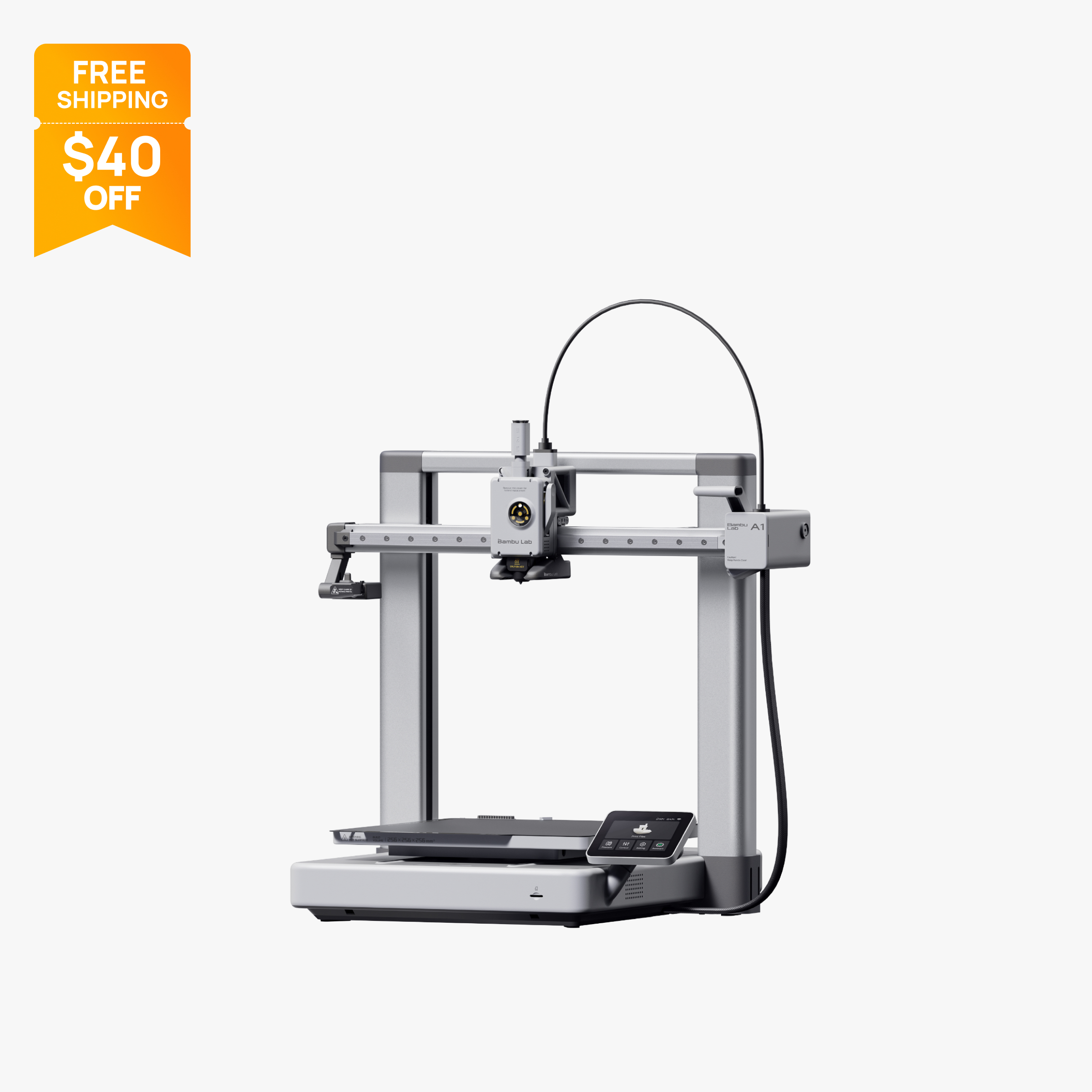
Open-frame 256 mm bed slinger with full auto calibration and optional 4-color AMS Lite.
$259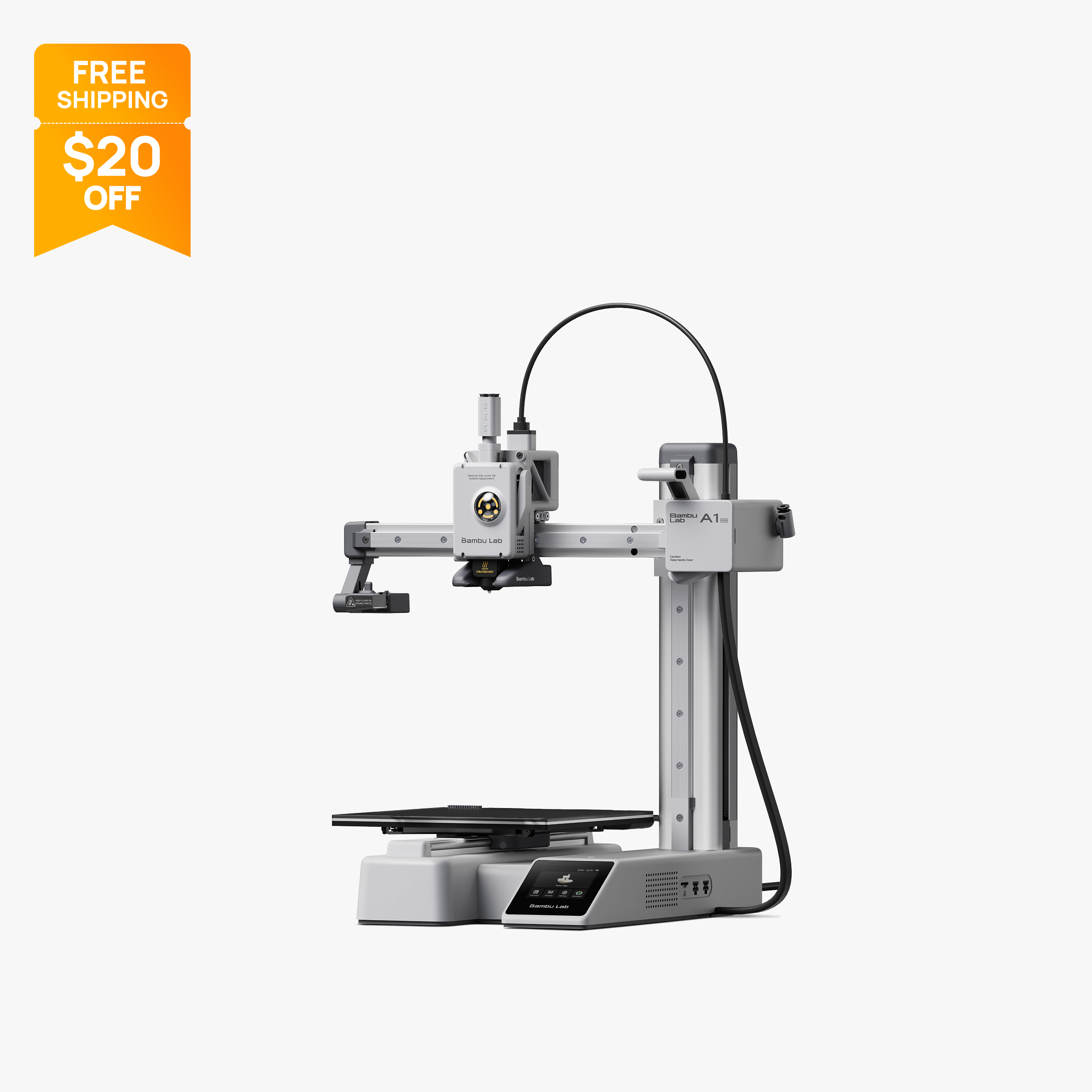
Compact 180 mm open-frame printer with 500 mm/s motion, 300 °C hot end and optional AMS Lite.
$199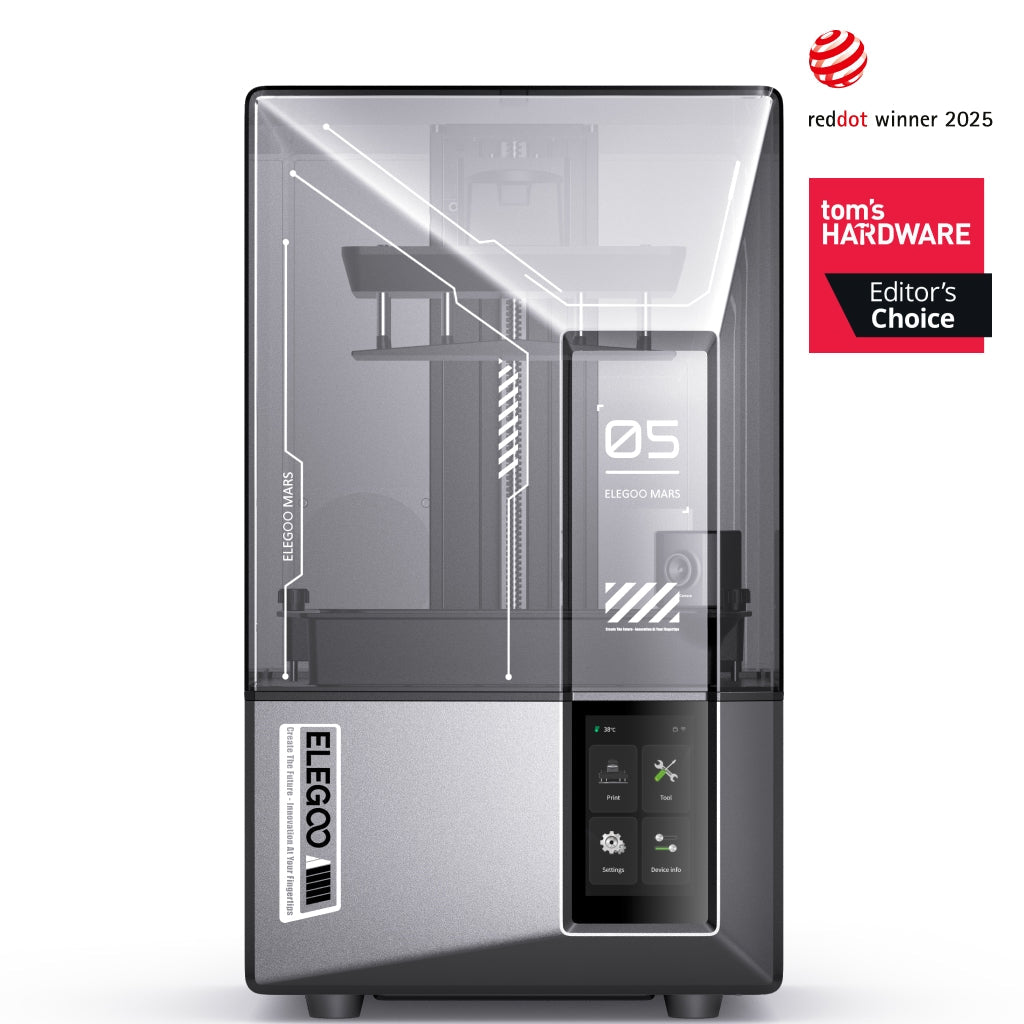
Compact resin printer with a 7 in 9K mono LCD, 18 µm XY detail, 150 mm/h speed, AI camera and auto leveling.
$284
Klipper bed slinger with a 225 x 225 x 265 mm build volume, 500 mm/s top speed and a segmented heated bed.
$239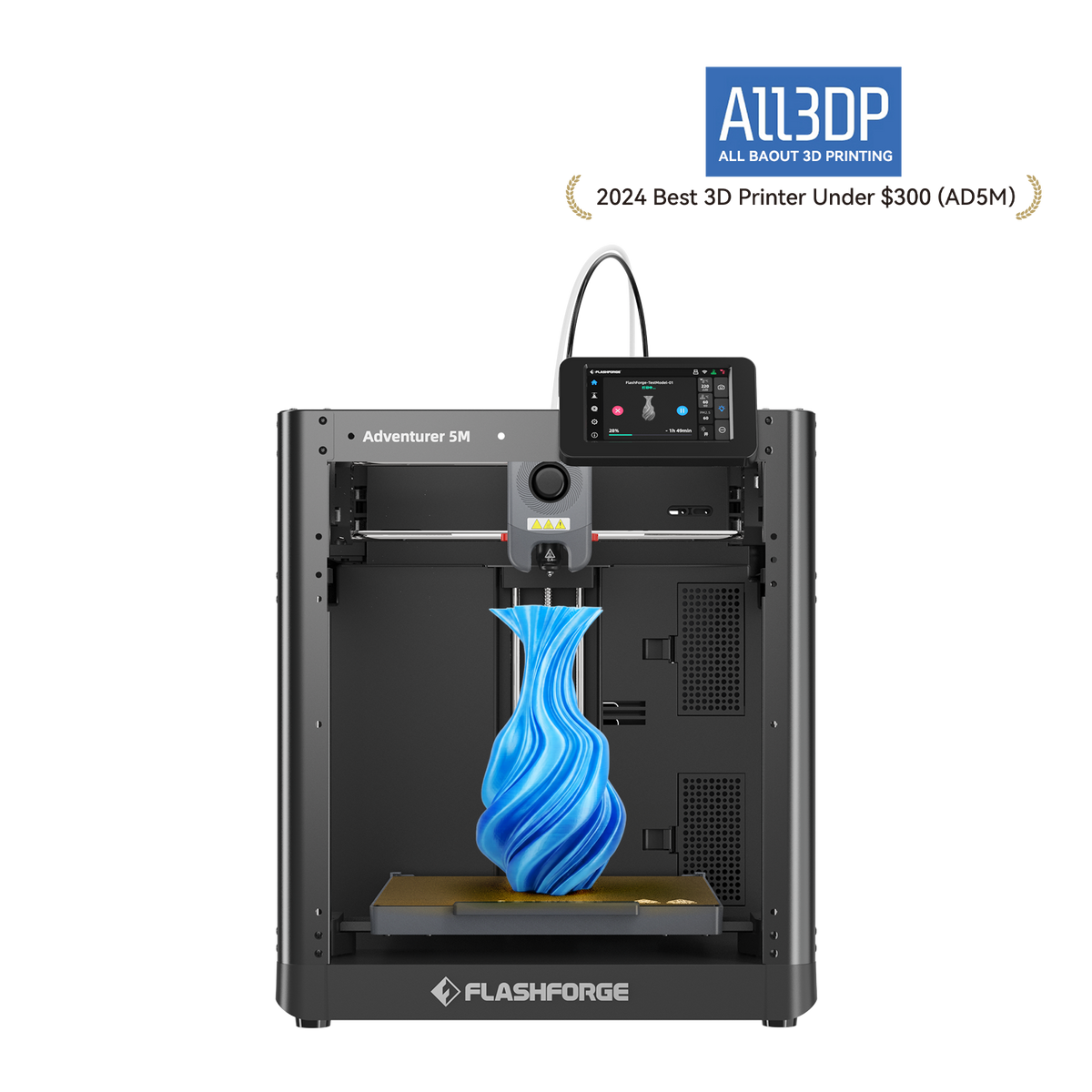
Budget open-frame 220 mm cube printer with auto-leveling, quick-swap nozzles and Wi-Fi
$249
Entry-level Ender with CR Touch auto leveling, 250 mm/s top speed and a 220 x 220 x 250 mm bed for $179.
$179
Comparison table
| Spec | Bambu Lab A1 | Bambu Lab A1 Mini | Elegoo Mars 5 Ultra | Elegoo Neptune 4 Pro | Flashforge Adventurer 5M | Creality Ender 3 V3 SE |
|---|---|---|---|---|---|---|
| Type | FDM | FDM | resin | FDM | FDM | FDM |
| Price | $259 | $199 | $284 | $239 | $249 | $179 |
| Build volume | 256×256×256 mm | 180×180×180 mm | 153×77×165 mm | 225×225×265 mm | 220×220×220 mm | 220×220×250 mm |
| Max speed | 500 mm/s | 500 mm/s | Not listed | 500 mm/s | 600 mm/s | 250 mm/s |
| Multicolor | Yes (AMS Lite (optional, one unit, up to 4 colors)) | Yes (AMS Lite (optional, up to 4 colors)) | No | No | No | No |
| Enclosed | No | No | Yes | No | No | No |
| Auto bed leveling | Yes | Yes | Yes | Yes | Yes | Yes |
| Connectivity | Wi-Fi, Bambu-Bus, microSD | Wi-Fi, Bambu-Bus, microSD | Wi-Fi, USB | USB, LAN | Wi-Fi, Ethernet, USB | SD card |
| Noise | 49 dB | Not listed | Not listed | Not listed | Not listed | Not listed |
| Release year | 2023 | 2023 | 2024 | 2023 | 2023 | 2023 |
How we chose
This page is about value, not just the lowest sticker. We only considered printers with a verified price under $300 on the official US store at the time of writing (October 2026), then ranked them on what that money buys you that you can check in published specs: automatic leveling and calibration, Wi-Fi, build volume, hotend temperature, motion speed, and for resin, LCD resolution. We also weighed total cost of ownership: what you need to add before the printer does the job you bought it for, such as a multicolor feeder, a wash and cure station, or a hardened nozzle.
Picks are grouped by what you want: an FDM all-rounder, a multicolor upgrade path, or resin. Rankings use manufacturer specs and official prices, not lab tests. See About Us for how we work. For a strict price-ordered list, see our best 3D printers under $300.
The picks
1. Bambu Lab A1: best budget 3D printer overall
For an FDM all-rounder, the A1 gives you the most printer per dollar under $300. Bambu says it automatically calibrates Z-offset, bed leveling, vibration and nozzle pressure before every print, and it has Wi-Fi, a 3.5-inch screen, run-out and tangle sensors, power loss recovery and a timelapse camera. That is a long list of things you would otherwise pay for or do by hand.
The 256 x 256 x 256 mm build volume is the largest of any FDM pick on this page, and it is rated at 500 mm/s with 10,000 mm/s² acceleration. The US store lists noise as low as 49 dB.
Value-wise, the A1 is also an upgrade path. You can add one AMS Lite later for 4-color printing without replacing the printer, so you do not have to pay for color on day one. The A1 Combo with the AMS Lite included is $359 (regular $399), above this page's cap.
Tradeoffs: it is open-frame, so Bambu lists ABS, ASA, PC and PA as not recommended, and the stock stainless steel nozzle needs a hardened steel swap before abrasive filaments.
At the time of writing (October 2026) it is $259 on sale; the regular price of $299 still fits under $300. See the Bambu Lab A1 page.
2. Bambu Lab A1 mini: best budget multicolor upgrade path
If multicolor is the reason you want a printer, the A1 mini is the cheapest way into it among the printers we track. The A1 mini Combo, which bundles the AMS Lite for up to 4 colors, is $299 at the time of writing (October 2026), regular $329. That puts a 4-color setup just under this page's cap on sale, but only on sale.
Without the feeder, the printer alone is $199 (regular $219), and you can add an AMS Lite later. Either way you get automatic bed leveling, the same Wi-Fi workflow and 500 mm/s rating as the full-size A1, plus run-out, tangle and odometry sensors.
The compromise is size: 180 x 180 x 180 mm. Multicolor work tends to be signs, figurines, keychains and small toys, which fit well. Larger models will need splitting. The bed reaches only 80°C, and Bambu lists ABS, ASA, PC and PA as not recommended.
For total cost, remember that every color change purges filament. Many-color prints use more filament than the finished part weighs, so budget extra spools. See the Bambu Lab A1 mini page and our best multicolor printers.
3. Elegoo Mars 5 Ultra: best budget resin printer
For miniatures and small, highly detailed models, resin beats filament on surface finish, and the Mars 5 Ultra is the best value resin printer under $300. Its 7-inch 9K mono LCD (8520 x 4320) gives 18 µm XY detail, it levels automatically, and it adds a built-in AI camera. Elegoo rates it at up to 150 mm/h, and Tom's Hardware's review describes a tilt release that peels layers off the vat film.
Compared with the cheaper Mars 5, you get roughly half the pixel size, plus the camera and Wi-Fi file transfer that Tom's Hardware lists. For miniature painters, that detail difference shows on faces and fine edges.
Resin has a higher running cost than the printer price suggests. You will need resin, nitrile gloves, isopropyl alcohol or a wash station, a UV curing setup, and replacement release film over time. Elegoo sells a complete bundle with a Mercury XS wash and cure station. The LCD is a wear part, and Elegoo sells a replacement screen directly.
At the time of writing (October 2026) it is $284 on sale at Elegoo's US store. The regular price is $338, so outside a sale it is over $300. See the Elegoo Mars 5 Ultra page or our best printers for miniatures.
4. Elegoo Neptune 4 Pro: best budget pick for speed and tinkering
The Neptune 4 Pro runs Klipper firmware with input shaping and pressure advance, rated up to 500 mm/s with 250 mm/s recommended by Elegoo. It has a 300°C hotend with a dual-gear direct extruder for PLA, PETG, TPU and nylon-class filaments, and a 225 x 225 x 265 mm build volume. Its segmented heated bed can heat only the 120 x 120 mm center zone for small parts.
It suits buyers who like to tune settings and want Klipper's flexibility at a low price. Tom's Hardware's review praised the part-cooling fans for overhangs at speed.
The value tradeoff is time. The same review noted manual leveling wheels that can loosen after moving the printer, and a very loud high-speed fan mode. Elegoo's specs list USB and LAN file transfer, not Wi-Fi.
At the time of writing (October 2026) it is $239 on Elegoo's US store, regular $274, so it fits under $300 either way. See the Elegoo Neptune 4 Pro page.
5. Flashforge Adventurer 5M: best budget printer for wired networks
The Adventurer 5M brings automatic leveling, a flexible PEI steel plate, quick-swap nozzles from 0.25 mm to 0.8 mm, and Wi-Fi, Ethernet and USB at a low sale price. Flashforge lists 600 mm/s maximum travel speed and 20,000 mm/s² acceleration on a 220 x 220 x 220 mm volume.
Swappable nozzles add value over time: a 0.25 mm nozzle for fine detail and a 0.6 or 0.8 mm nozzle for fast, strong parts, without a full hotend rebuild. Flashforge says it works with most third-party filament brands, which keeps material costs flexible.
Limits: Flashforge states ABS-series filaments are not compatible, the hotend tops out at 280°C, and there is no camera or multicolor option for this model.
Price matters here. At the time of writing (October 2026) it is $249 on sale at Flashforge's US store, but the regular price is $399. Only buy it as a budget pick while the sale lasts. See the Flashforge Adventurer 5M page.
6. Creality Ender-3 V3 SE: best budget printer for the lowest outlay
When every dollar counts, the Ender-3 V3 SE gives you auto leveling and a full 220 x 220 x 250 mm bed at the lowest price on this page. CR Touch probing plus a strain sensor for Z-offset handle most first-layer setup, and the Sprite direct extruder handles PLA, PETG and TPU.
It is simple and repairable, which keeps long-term costs down. The tradeoffs are a 260°C hotend limit, no Wi-Fi (SD card only), a slower 250 mm/s rating, and no camera.
Creality also lists a printing accuracy of plus or minus 0.1 mm, the same figure it gives for the more expensive V3 KE. If your budget can stretch to the A1, you get far more for the extra money. If it cannot, this is a sound start for PLA, PETG and TPU projects.
At the time of writing (October 2026) it is $179 on Creality's US store, regular $199. See the Creality Ender-3 V3 SE page or our best printers under $200.
What to look for in a budget 3D printer
Count the extras, not just the sticker. A cheap printer that needs a pricey add-on to do what you want is not cheap. Before you buy, list what your projects need: multicolor, a camera, Wi-Fi, ABS, fine resin detail. Then check which printers include those features and which need accessories.
Automatic calibration saves filament. Every failed first layer costs time and plastic. Printers that calibrate themselves, such as the Bambu A-series, waste less on setup than ones that rely on manual knobs.
Filament is your main running cost. For FDM, the printer is a one-time purchase and filament is ongoing. Third-party filament support lowers this cost; the Adventurer 5M and the Bambu A-series all accept non-branded spools. Store spools dry, because Bambu's wiki notes that filament absorbs moisture and may need drying before it prints cleanly.
Multicolor costs more than the feeder. Single-nozzle color systems purge filament at each swap. That waste can be large on prints with many layer-by-layer color changes, so budget extra filament and time.
Resin has hidden costs. Resin printers need resin, gloves, isopropyl alcohol, a wash container, UV curing and periodic release film and LCD replacements. Formlabs' resin safety guidance recommends gloves and avoiding skin contact with uncured resin. Factor these in when comparing a $184 resin printer to a $179 FDM one. Our FDM vs resin guide lays out the differences.
Watch regular prices. Many printers here are on sale. The Adventurer 5M and Mars 5 Ultra are under $300 only at sale prices, while the A1, Neptune 4 Pro and Ender-3 V3 SE fit under $300 even at regular price.
Know when to stop. Under $300 you will not get an enclosure from a major brand. If you need ABS or ASA, look at our best 3D printers under $500, where the Bambu P1S fits.
Total cost of ownership at a glance
- FDM all-rounder: A1 at $259, plus filament. Add an AMS Lite later only if you want color.
- Multicolor from day one: A1 mini Combo at $299, plus extra filament for purge waste.
- Resin miniatures: Mars 5 Ultra at $284, plus resin, gloves, alcohol and a wash and cure setup.
- Absolute minimum: Ender-3 V3 SE at $179, plus filament and an SD card workflow.
All prices at the time of writing (October 2026) on official US stores; sale prices change. For even lower prices, see our guide to the cheapest 3D printers.
Upgrades worth budgeting for
A few add-ons change what a budget printer can do, so it helps to know them before you buy rather than after.
- A hardened steel nozzle if you want carbon fiber or glass fiber filaments. The Bambu A-series ships with stainless steel, which Bambu says must be swapped first.
- A color feeder later if you start with the A1 or A1 mini. Both accept one AMS Lite for up to 4 colors, so you can wait until you know you will use it.
- A wash and cure station for resin. Elegoo's Mars 5 Ultra complete bundle includes a Mercury XS, which is simpler than collecting parts one by one.
- A dry box or filament dryer if you live somewhere humid, since damp filament prints poorly.
Skip anything you do not have a project for. The cheapest upgrade is the one you never needed.
What changed this update
We refocused this page on value per dollar under $300 and grouped picks by what you want to print. We removed printers that are no longer sold new: the Creality Ender-3 V3 and Ender-3 V3 KE (Creality now lists the newer Ender-3 V4, without calling it a direct replacement) and the Anycubic Kobra 3 Combo (Anycubic points buyers to the Kobra 4 Combo). Prices were refreshed on 2026-10-28.
Frequently asked questions
What is the best budget 3D printer?
The Bambu Lab A1 is our pick for the best budget 3D printer. At $259 at the time of writing (October 2026), regular $299, it includes automatic calibration, Wi-Fi, a camera and a 256 x 256 x 256 mm build volume, and you can add an AMS Lite later for 4-color printing.
What is the best cheap 3D printer?
For the lowest price with auto leveling, the Creality Ender-3 V3 SE is $179 on Creality's US store at the time of writing (October 2026). It has a 220 x 220 x 250 mm build volume but no Wi-Fi and a slower 250 mm/s rating. The Bambu Lab A1 mini at $199 adds Wi-Fi and faster motion in a smaller 180 mm build volume.
Can you get a multicolor 3D printer for under $300?
Yes, but only on sale. The Bambu Lab A1 mini Combo with the AMS Lite for up to 4 colors is $299 at the time of writing (October 2026), regular $329. Single-nozzle multicolor systems purge filament at every color change, so budget extra filament.
What does a budget 3D printer cost to run?
For FDM printers, filament is the main ongoing cost, plus occasional nozzles and build plates. Resin printers also need resin, gloves, isopropyl alcohol, UV curing and periodic release film and LCD replacements, which makes them more expensive to run than the purchase price suggests.
Is a budget resin printer worth it?
For miniatures and small detailed models, yes. The Elegoo Mars 5 Ultra offers 18 micron XY detail, auto leveling and a camera for $284 on sale at the time of writing (October 2026). For functional parts and larger prints, a filament printer is better value.
Are budget 3D printers good enough for beginners?
Yes. Every pick on this page has automatic bed leveling, which removes the most common source of failed first prints. The main things you give up under $300 are an enclosure for ABS and ASA, and on some models Wi-Fi and speed.
Sources
- Bambu Lab A1 tech specs (official)
- Bambu Lab A1 mini tech specs (official)
- Elegoo Mars 5 Ultra, US store product page (official)
- Elegoo Neptune 4 Pro, US store product page (official)
- Flashforge Adventurer 5M product page (official US store)
- Creality US store, Ender-3 V3 SE (official)
- Resin Safety and Resin Terms FAQ (Formlabs)
- Dry filament (Bambu Lab Wiki)
- Tom's Hardware: Elegoo Neptune 4 Pro review
- Creality Ender-3 V4 product page (official)
- Anycubic Kobra 4 Combo (official store)
- Bambu Lab A1 on the official US store (price, specs, FAQ, recall note)
- Bambu Lab A1 FAQ (official wiki)
- Bambu Lab A1 mini on the official US store (price)
- Tom's Hardware: Elegoo Mars 5 Ultra review